
Tattoo stencil maker
Clean tattoo stencils from any photo, printed true to size. AI clean lines, or a private mode that never leaves your browser.
New stencil
Photo or sketch
Classic keeps your photo on your device. AI styles send a scaled-down copy to our AI provider, SeeAPI, only after you pick one. Privacy
Pets, flowers, objects, your own drawings. No celebrities or brand characters.
Faces and fine detail: use AI lines or Touch-up.
From the library
418 designsUse any design as a base: resize, touch up, print true to size. Browse all
Describe it
SoonType an idea (“swallow carrying a rose stem, bold outline”) and get a stencil. Coming after launch.
Choose a photo. Next: touch up lines, then print at true size.
Recent
on this device · last 10No charge if a run is refused or fails.
1Style
2Lines
Advanced
3Size & print
12 × 12 cm
Processed on your device. Nothing is uploaded unless you save to your Studio.
Print & export
Size on paper
Mirrored for transfer: it reads backwards on paper, right way on skin.
Touch-up
No edits yet
Tap a filled area to clear it. Outlines are kept.
Real results, made by this editor
The sample photos at default settings. No retouching.
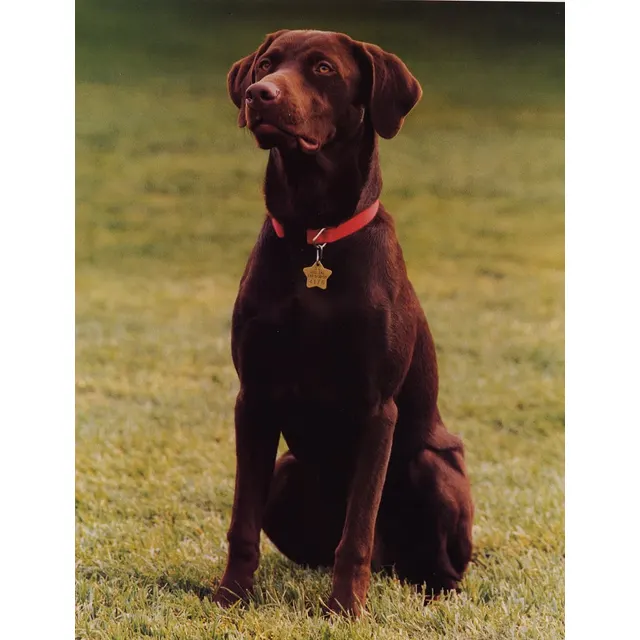
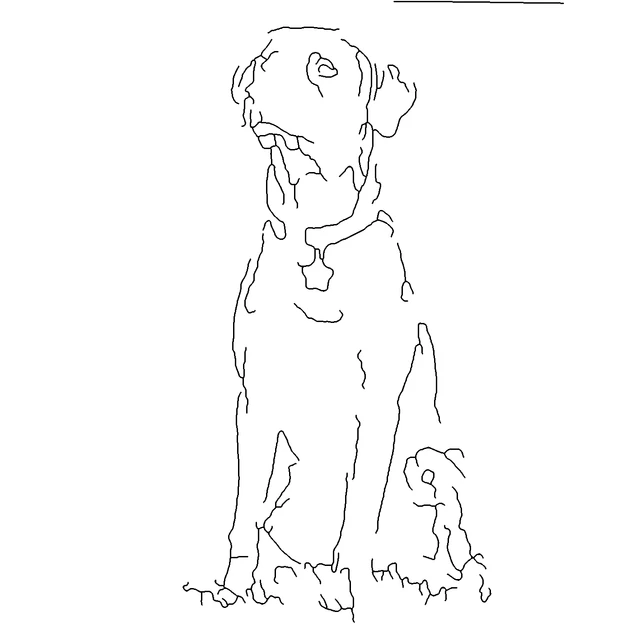
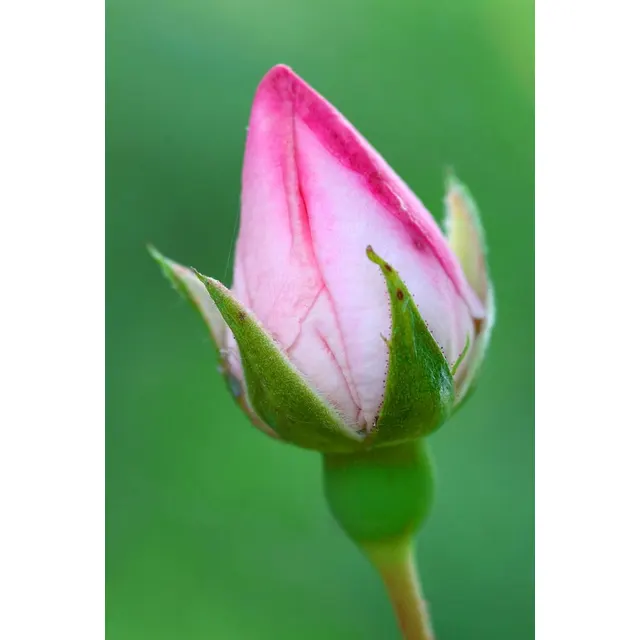
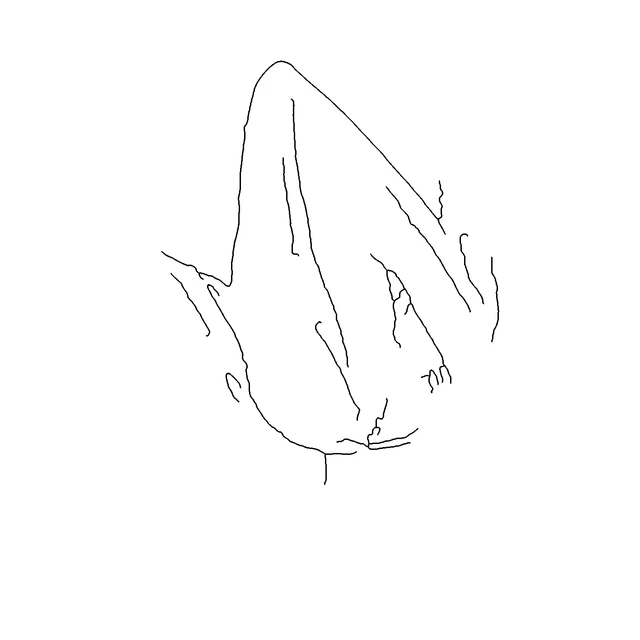


Create → Clean → Print
Free printable designs
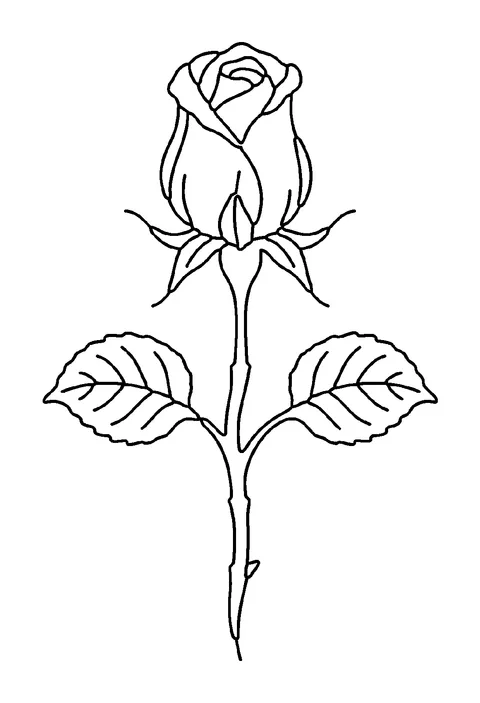
Browse all designs- Single open rose with stem and two leaves, fine line
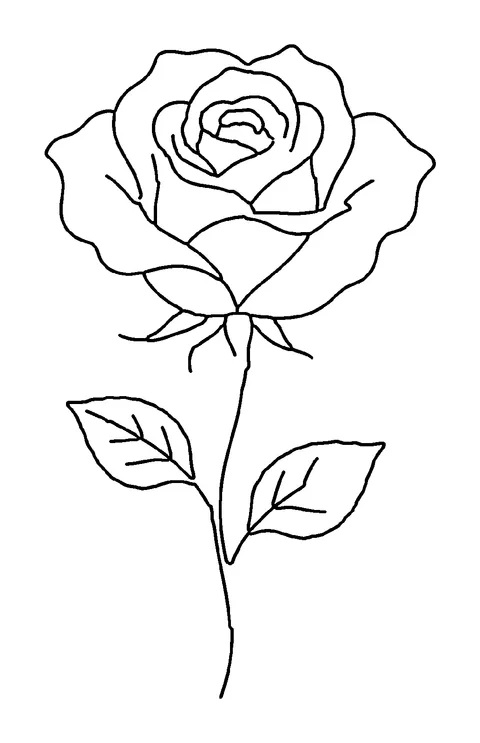
- Rosebud on a curved stem, botanical
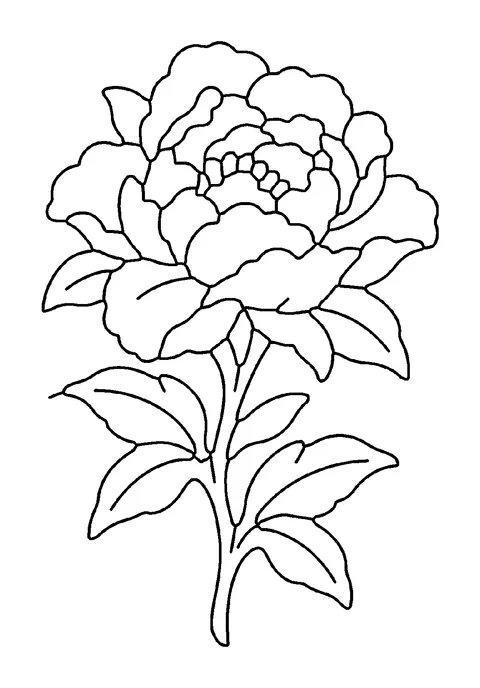
- Peony in full bloom, bold outline
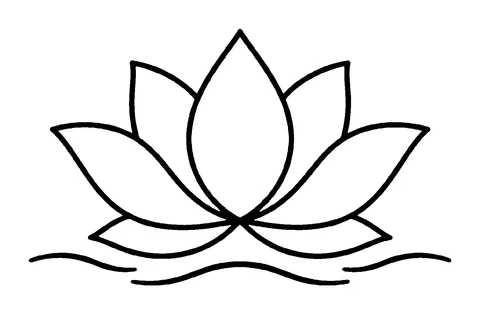
- Lotus flower floating on a short line of water, fine line
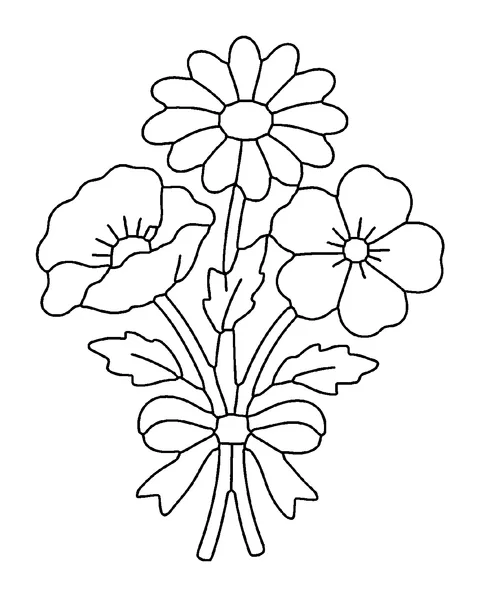
- Bouquet of three wildflowers tied together, bold outline
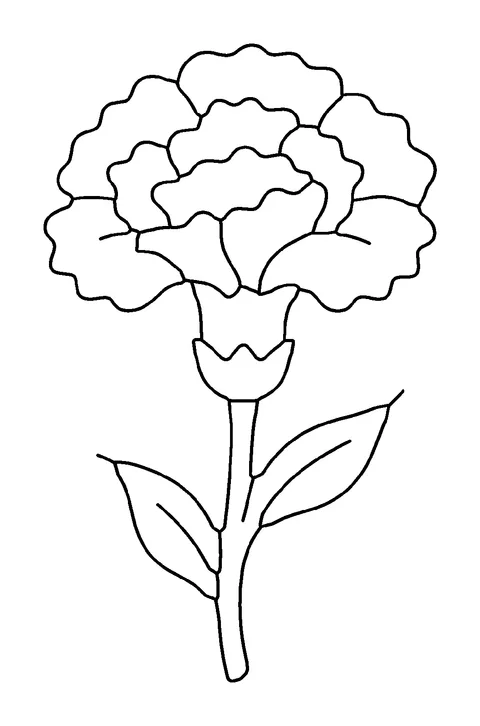
- Carnation with leaves, bold outline
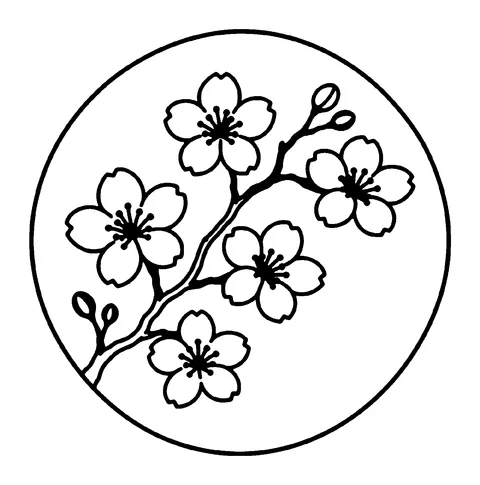
- Cherry blossom branch with five flowers, fine line
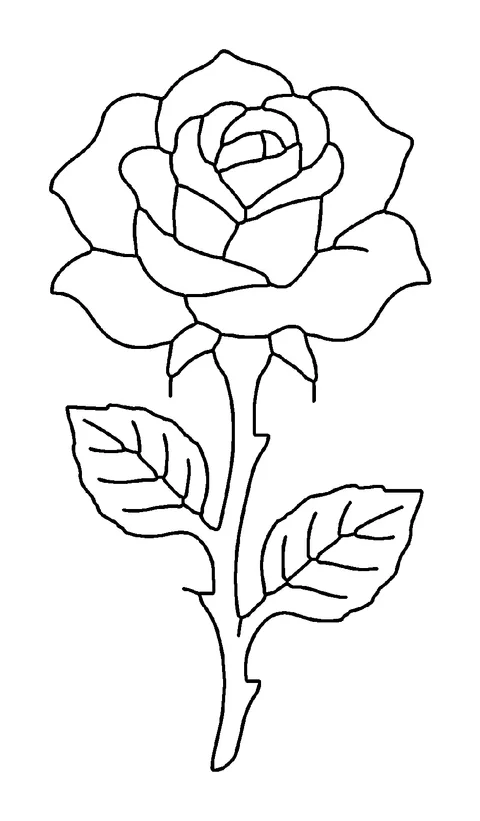
- Single open rose with stem and two leaves, bold outline
Free tools on tattoostenciler.com
Questions
Is this tattoo stencil maker really free, with no signup?
Yes. The stencil maker is free, needs no account and adds no watermark. For photos you get a few free AI clean-lines runs per day (more when you sign in); a run that is refused or fails costs nothing. Private mode has no limit: it runs in your browser and the photo never leaves your device.
How do I turn a photo into a tattoo stencil?
Drop the photo into the editor or pick a sample. The editor guesses the style (photo, drawing or lettering) and draws clean single lines. Change the line weight or the clean-up level if needed, choose a placement or type the size you want on skin, then press Print PDF and print it at 100%. Photos with a plain background and good light give the cleanest lines.
How do I print a tattoo stencil at the right size?
Set the size on skin in step 3, press Print PDF and print at 100% ("Actual size") with "Fit to page" switched off. Every sheet has a 5 cm calibration bar: measure it with a ruler. If it reads 4.8 cm, the printer shrank the page by 4%.
Do I need to mirror a tattoo stencil?
Mirror it when the printed side touches the skin, for example with stencil-ink inkjet prints or direct hectograph prints. Leave it off when a thermal copier or the carbon layer of 4-ply paper already reverses the image. Lettering must read correctly on the skin, so check the print in a mirror.
Can I print a stencil bigger than one page?
Yes. Type the full size you want on skin and the PDF splits the design into equal tiles on A4 or US Letter, with crop marks and sheet labels (A1, A2, B1…). Trim, butt the edges together and tape them on the back. A 30 cm tall, 15 cm wide design takes 2 sheets of A4 or 2 of US Letter.
Is my photo uploaded anywhere?
Only if you use AI clean lines: then a scaled-down copy of the photo is sent to our AI provider to be redrawn (details in the privacy policy). In private mode, decoding, line extraction, the preview and every export run in your browser, and the page only sends small usage events such as "stencil exported" with the file type and size. Never the image.